Quoting medical, supplemental, and ancillary coverage plans is one place where Lucie truly shines. A quote lets you show your clients what their plan will cover and cost before starting an application.
Starting a new quote with Lucie is easy. Here’s how it’s done.
Step 1 - Click New Quote
On the left side of the screen, you’ll find your dashboard menu. At the top, there is an orange button labeled New Quote. Click this button to get started.
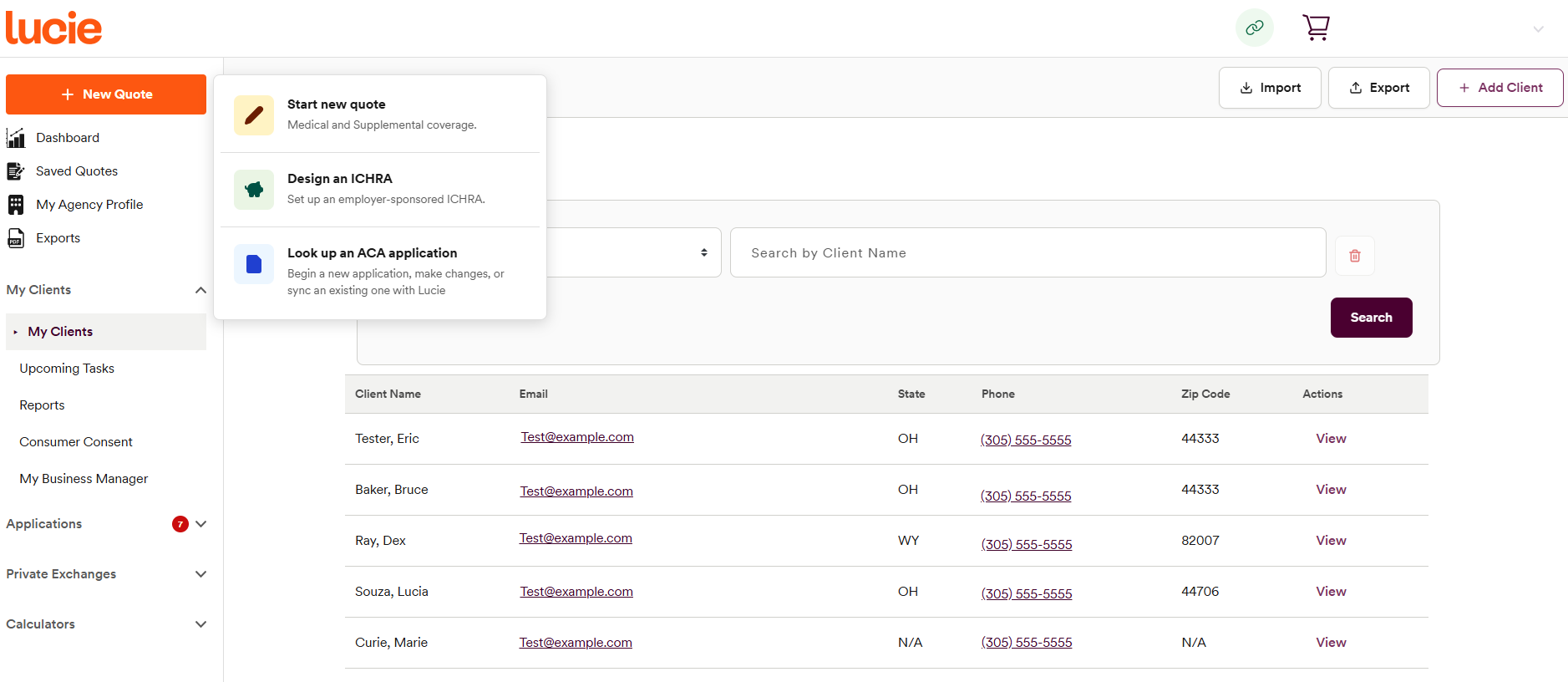
Step 2 - Select your quote type
Lucie offers several options here. You can design an ICHRA or look up an existing ACA application. To quote either (or both) a medical coverage plan or supplemental coverage plan, select the Start new quote option.
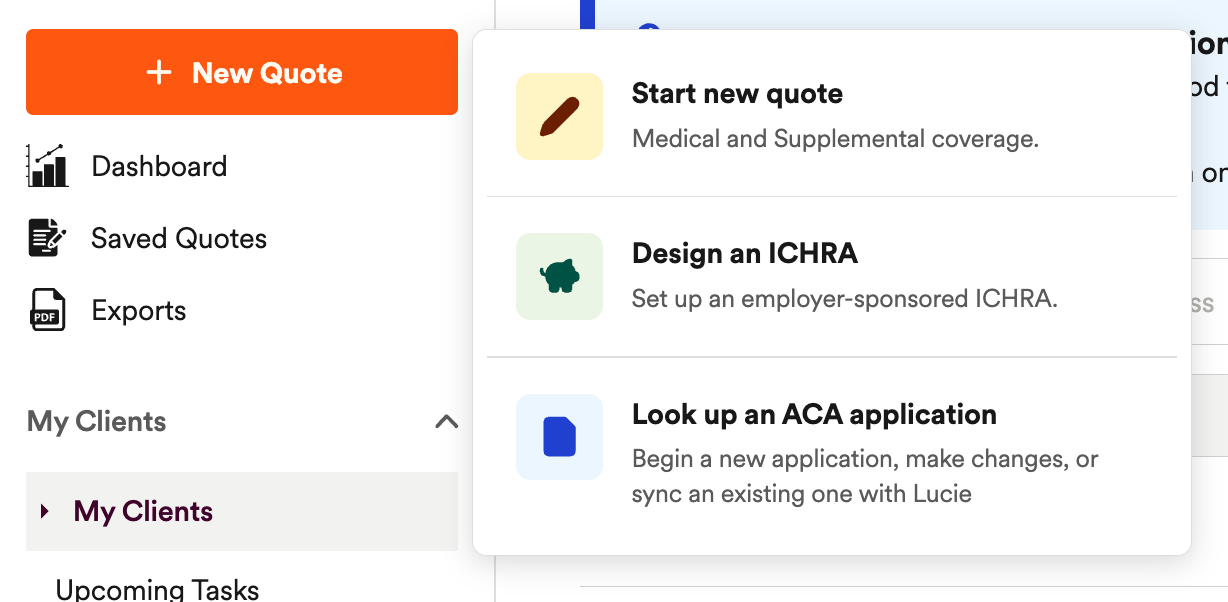
Step 3 - Enter client household details
To run a quote, you’ll need to enter some key household information about your client. This includes information like zip code, county, and plan effective date.
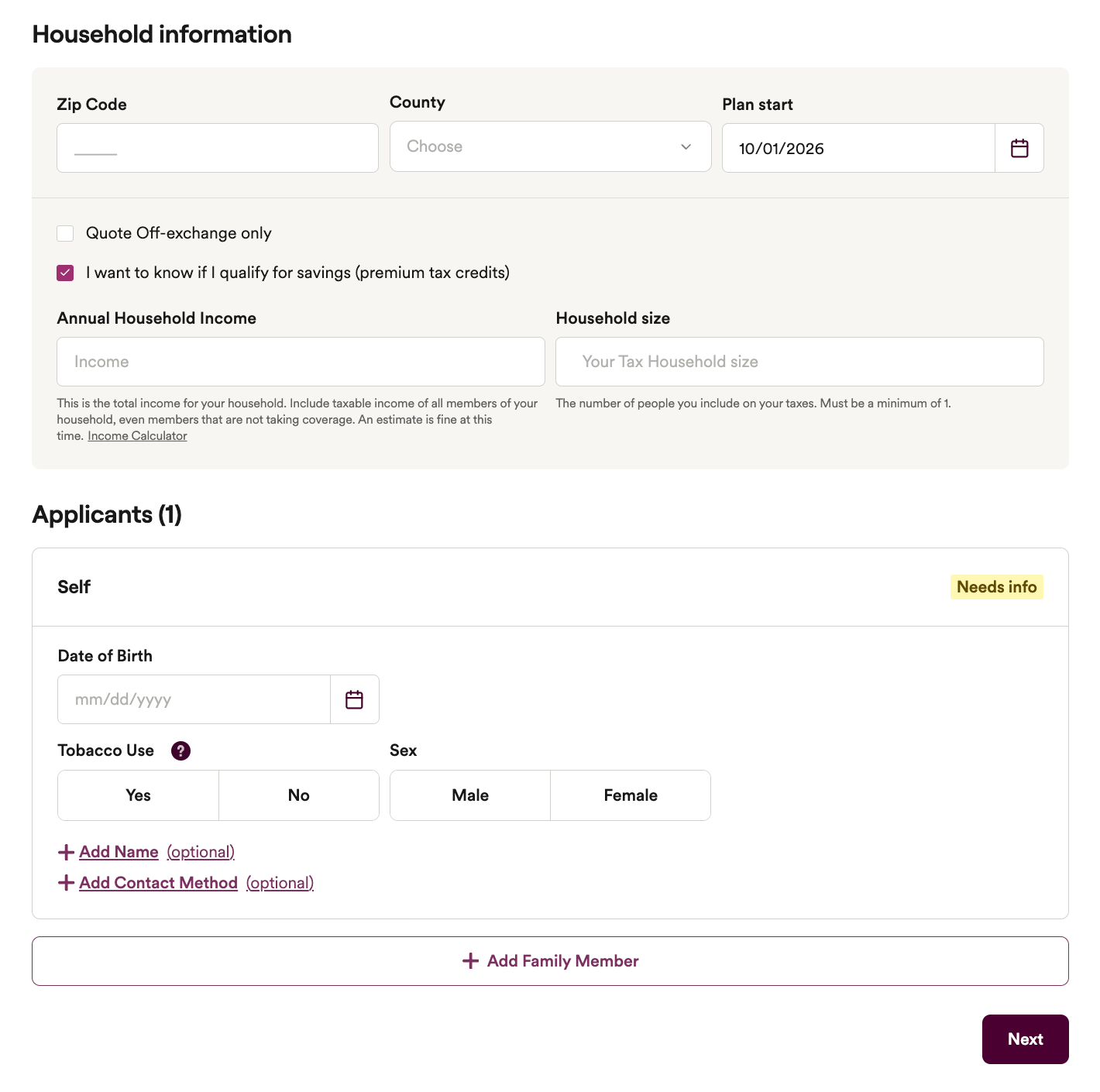
Note: The effective date will always show as the first of the next month. You can click the calendar icon button next to the date to adjust the start date.
To determine eligibility for premium tax credits, you’ll also need to include information about household income and household size.
Step 4 - Enter applicant details
Immediately below the household information section will be a section to enter client information. Here you’ll need to include the applicant’s date of birth, sex, and tobacco use. While you can skip entering their email and phone number, we recommend at least entering the first and last name which is required to save the quote.
This is where you can add additional household members if needed.
Step 5 - Run the quote
Once you’ve put in all the details, just hit Next. The next screen that appears will show you the estimated subsidy amount and net premium your client is eligible for.
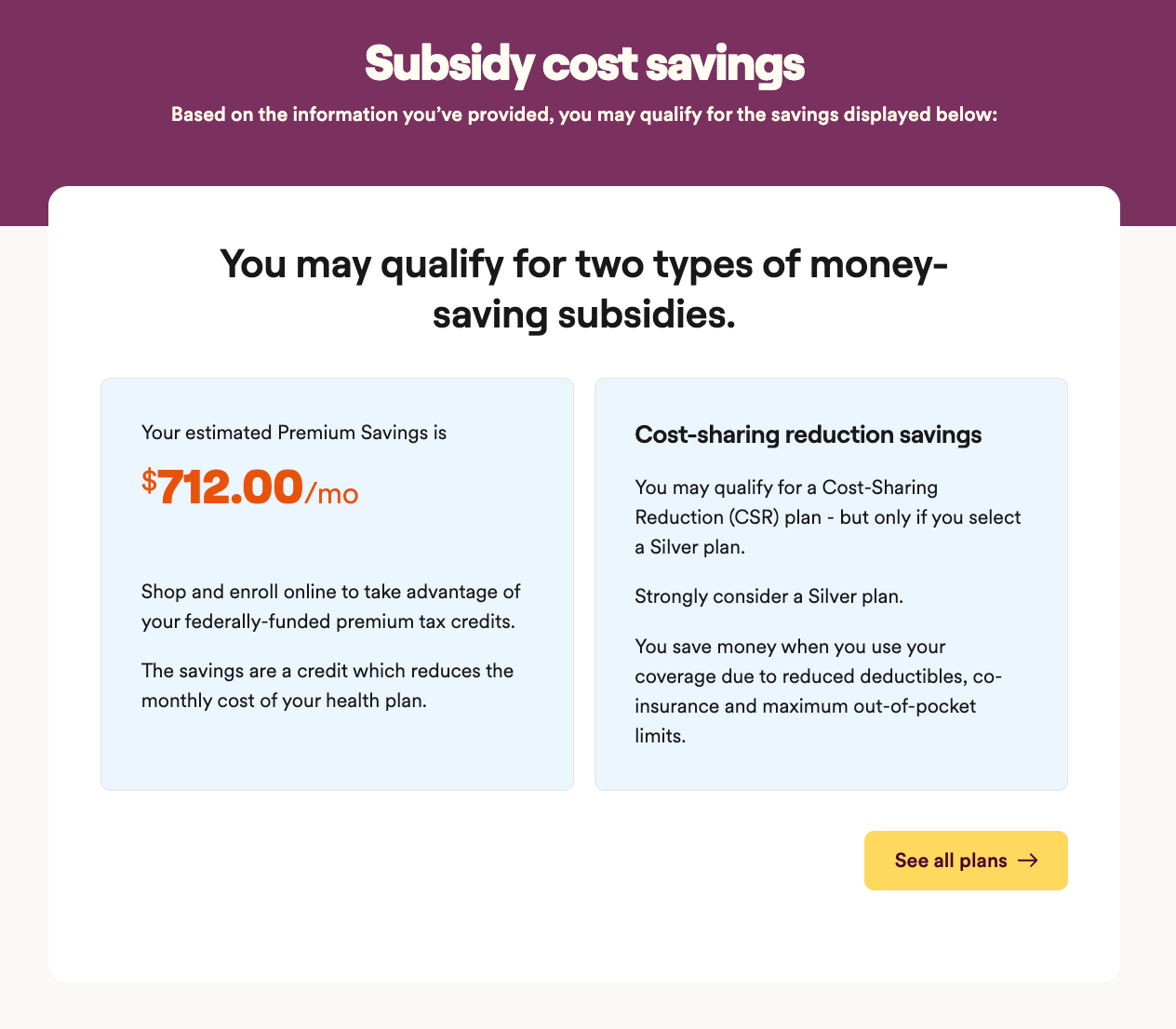
Once you’ve reviewed their estimated subsidies, simply hit the See all plans button, which will bring you to the quoting exchange to begin quoting specific plans for your clients.
Boom! You’ve started a quote for your client.
Need a hand? If you hit a hurdle along the way, we're here to help — just submit a ticket here.